
×
Knowledge Base
Knowledge Base Returning Items
Return Item
The Lost and Found Software enables the fully documented handover of found items to owners or authorized third parties (assignee, customs, police, etc.).
You can return an item by opening it and clicking on the "Return" Button.

Watch our Video Tutorial here
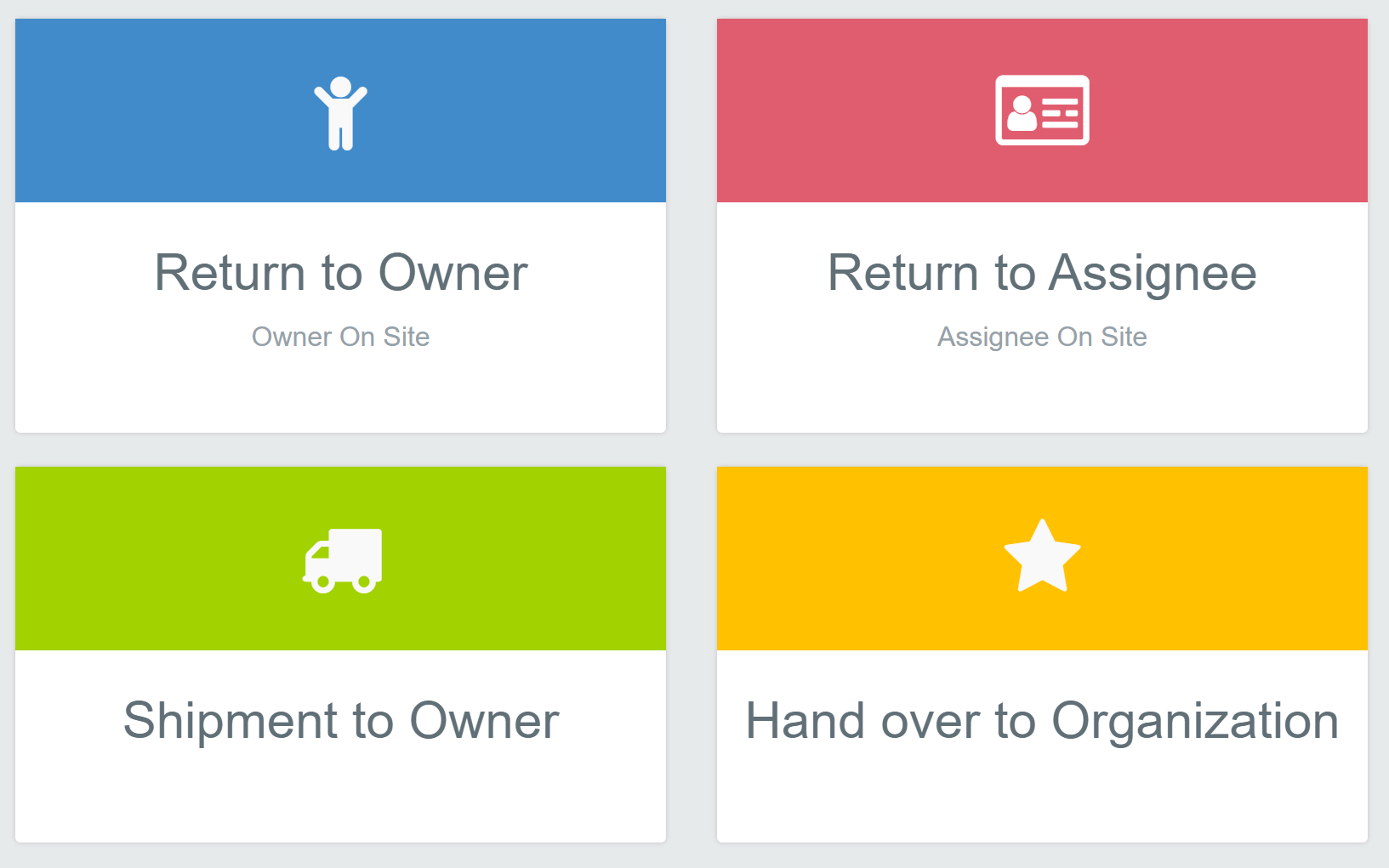
Which option do I choose?
- Owner collects in person → Return to Owner
- Someone collects on the owner's behalf → Return to Assignee
- Sent by post or courier → Shipment to Owner
- Police, lost property authority, airline, customs → Hand over to Organization
Step by step
- Check the notes on the record first.
- Click Return and choose the option.
- Verify the identity and record the ID type.
- Click Save and Print Documents to print the receipt.
Good to know
- Only clicked "Save"? The receipt is stored in the Documents tab of the record.
- Past returns are listed under Registered Owners.
- Signature on a tablet: see Digital Signature on a Tablet.
- With a fee: see Fees and Cash Box at the Counter. Never press the browser back button during a handout.
Was this answer helpful?
0 out of 1 found this helpful