
×
Knowledge Base
Knowledge Base Found Item
Search Found Item
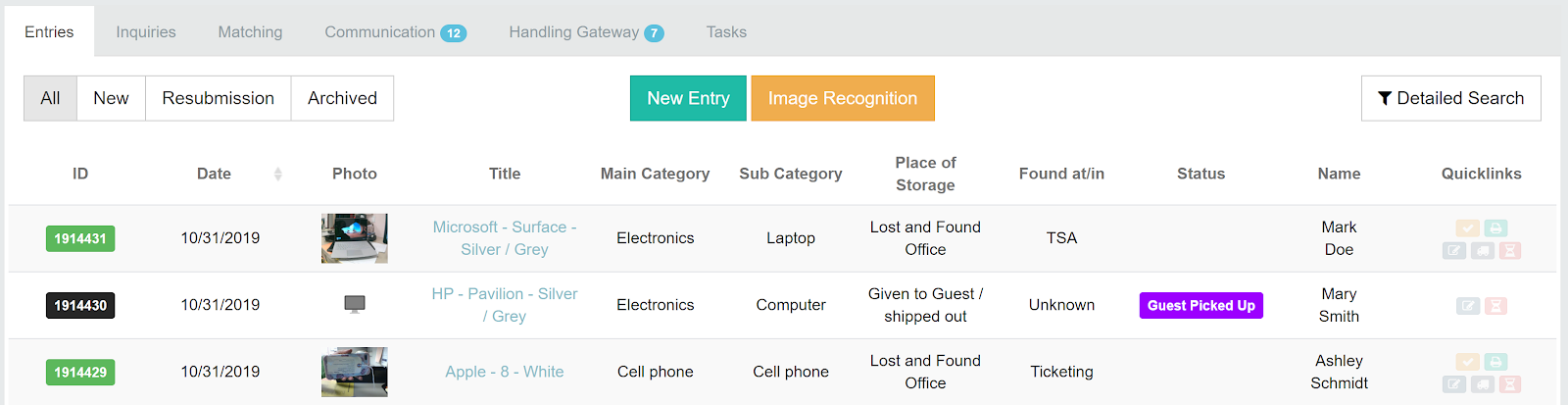
Search starts as you type. Use the search bar for a quick search by item ID or brand, or open All Entries and filter the columns.
The search funnel
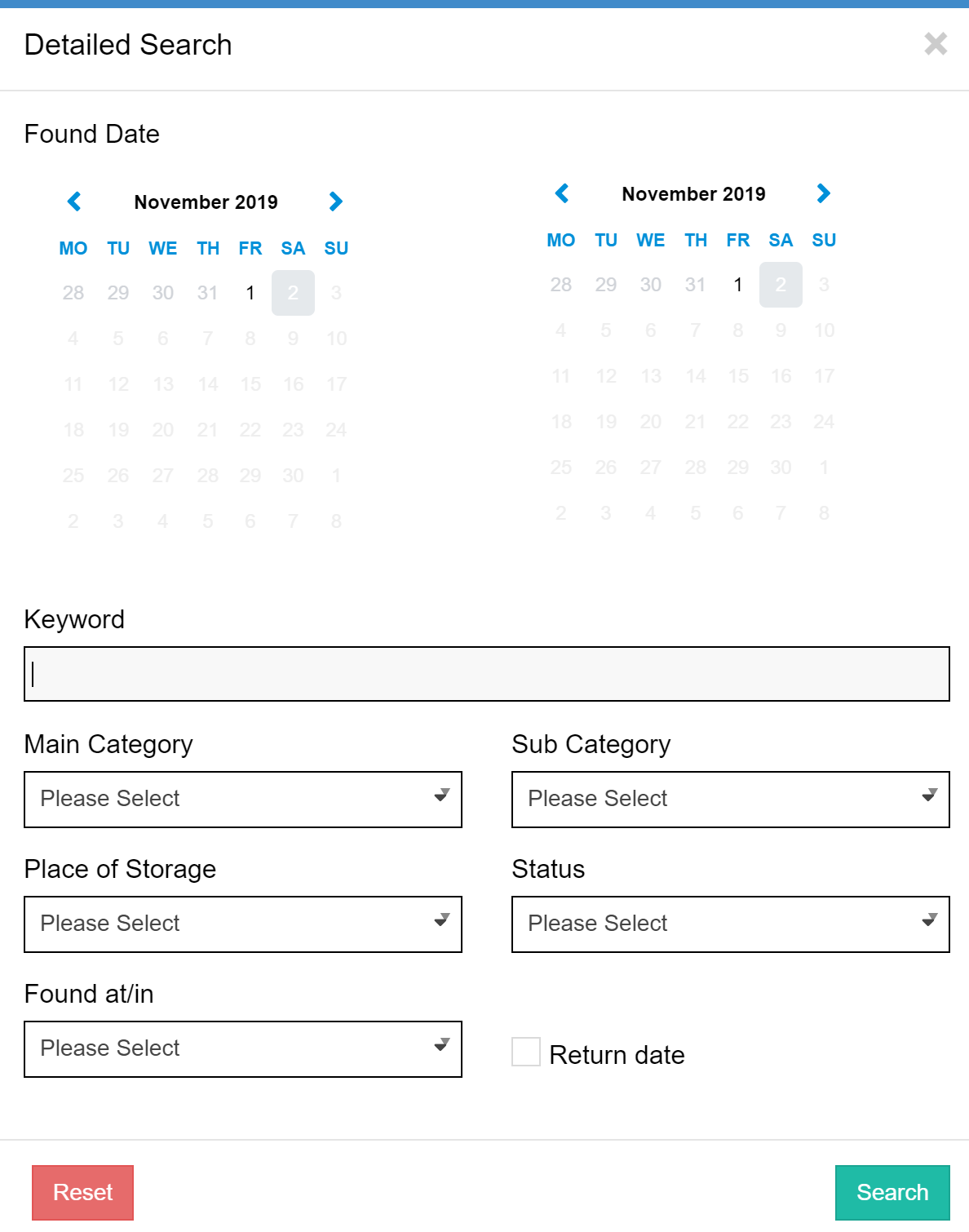
- Set the found date range – a little wider than the date the customer says they lost the item.
- Choose the main category.
- Choose the sub-category.
- Narrow down with attributes such as colour or brand.
- Click Clear Filter to start again.
Good to know
- Avoid searching by location – owners rarely know exactly where they lost something.
- A new item takes about one minute to appear in full-text search.
- A typed ID cannot be found? Check for spaces before or after it.
- For complex searches, the Detailed Search button above the list is still available.
Was this answer helpful?
2 out of 2 found this helpful