
×
Knowledge Base
Knowledge Base Matching
Manual Matching
Matching runs automatically. If you find the owner yourself (for example by phone or a name on the item), link the found item to the inquiry manually.
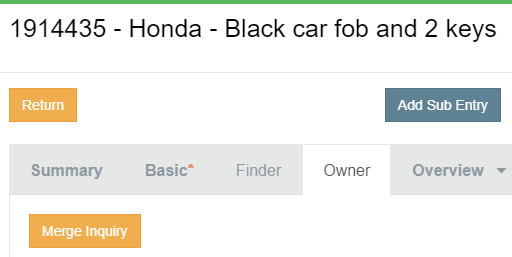
- Open the found record (not the inquiry).
- Go to the Owner tab.
- Enter the inquiry number and save.
Why start from the found record? This way the owner data, the communication and the template variables (such as the item ID) are linked correctly.
Good to know
- Inquiries cannot be merged with each other. Deactivate a duplicate inquiry with the reason "multiple entry".
- Found entries can be moved or merged with Relink Entries (permission needed).

Was this answer helpful?
0 out of 0 found this helpful