
×
Knowledge Base
Knowledge Base Found Item
Edit Found Item
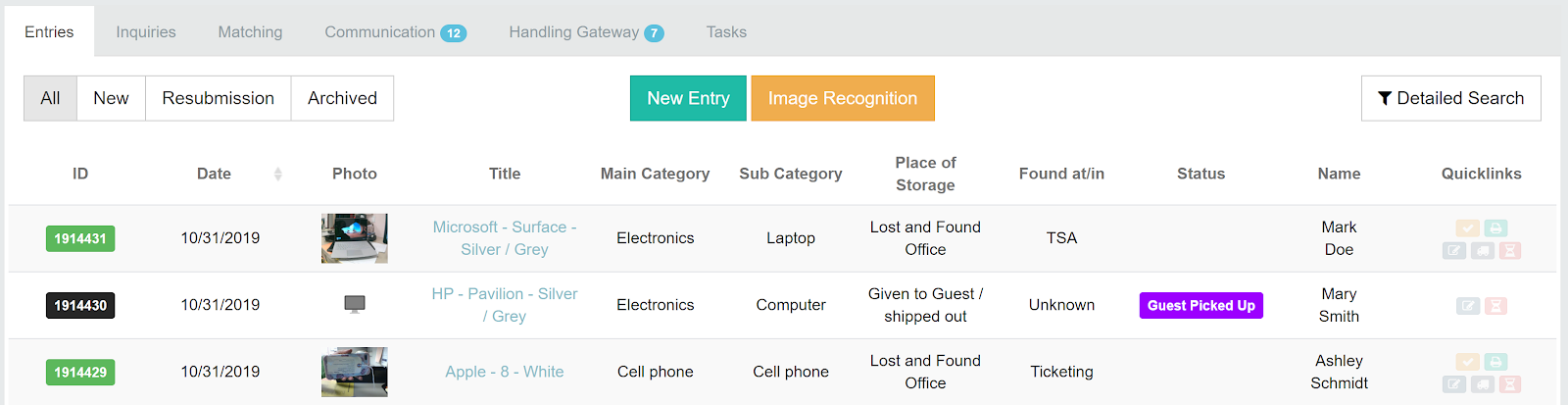
By clicking on the ID or the title of a found item, you can open the entry and edit it.
Good to know
- Open the item, click Edit, change the fields and save.
- Notes are added with + Add Note and cannot be edited later – add a new note instead.
- The History tab shows every change made to the item, with user and time.
- Entries cannot be deleted. Archive wrong entries with a reason such as "test entry" or "duplicate".
Was this answer helpful?
1 out of 1 found this helpful