
×
Knowledge Base
Knowledge Base Inquiry
Customer Inquiries
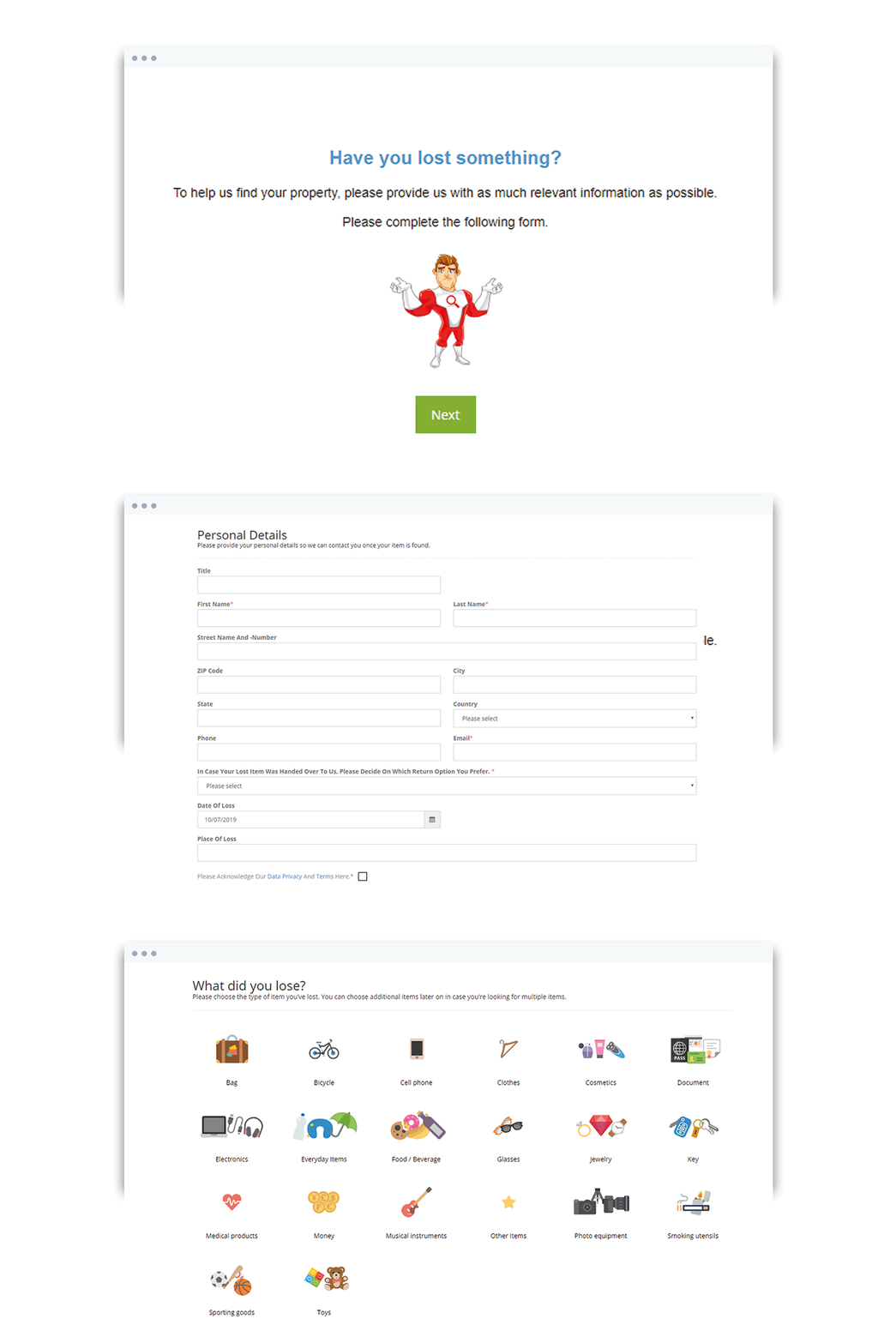
Customers can submit and edit their inquiries via your website.
Link to your Customer Inquiry Form or implement it directly on your company website. Be sure to check out the form from the customer perspective. Ask your Super User how to access the inquiry form if you don't have the link.
You can change the Custom Inquiry Form in the Company Settings.
Good to know (updated 2026)
- Filter inquiries by Not Matched, Matched or Returned.
- A customer calls instead of using the website? Create a New Inquiry for them (container first, then sub-entries; owner name plus email or phone in the Owner tab), or send them the inquiry form link.
- Wrong inquiry ID? Use Edit Inquiry ID.
- Duplicate inquiries cannot be merged. Deactivate the duplicate with the reason "multiple entry".
- Customer did not receive the confirmation email? Check for typos in the address, correct it and resend the confirmation.
- Inquiries are deactivated automatically after the period your administrator set – do not deactivate them by hand.
Was this answer helpful?
0 out of 0 found this helpful