×
Knowledge Base
Knowledge Base Category Management
Category Management
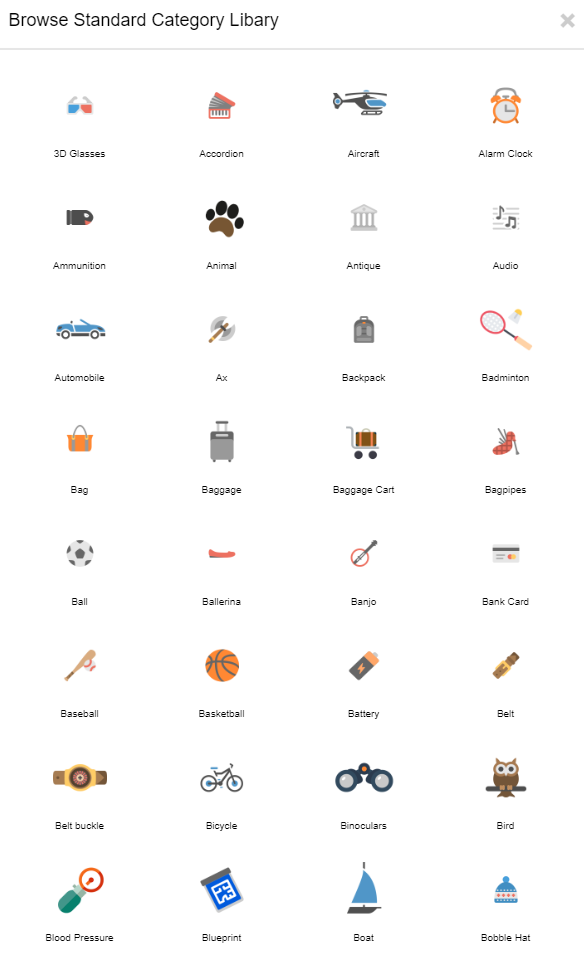
With the Category Management, individual main- and sub-categories can be set up and existing categories can be deleted. Standard images can also be added. The Category Management is designed to be multi-lingual. It is also essential later on for the matching process.
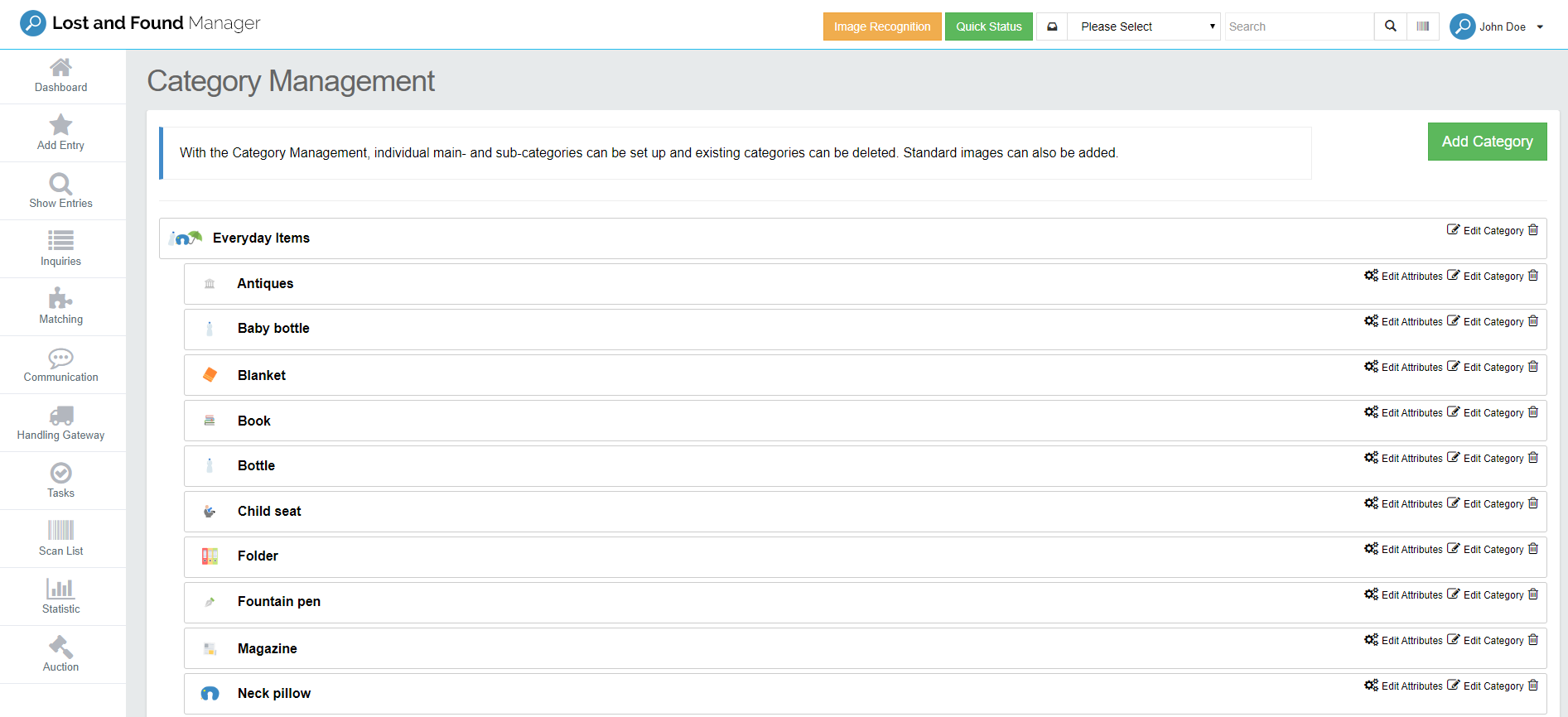
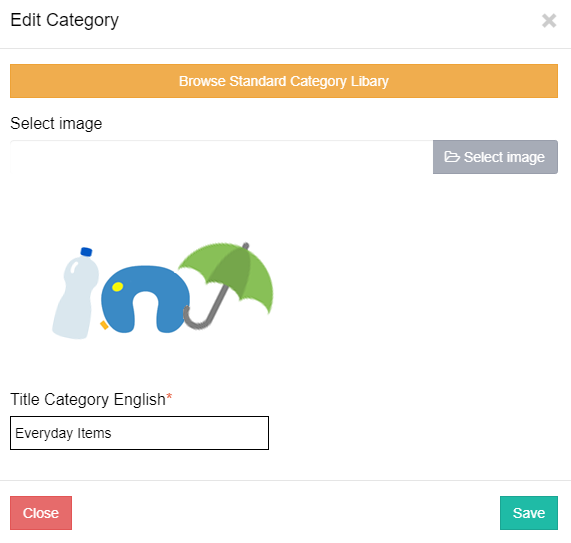
Edit Main Category
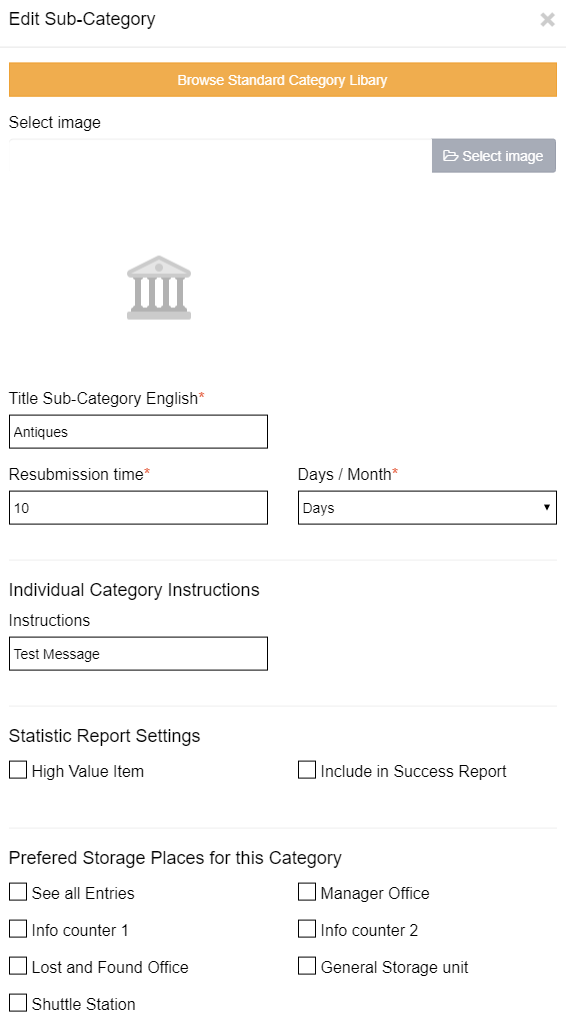
Edit Sub Category
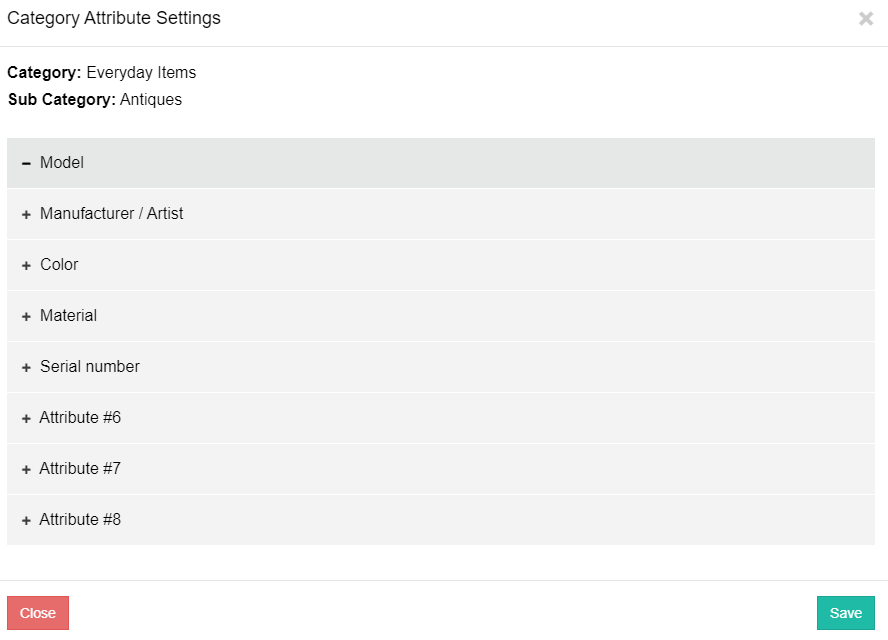
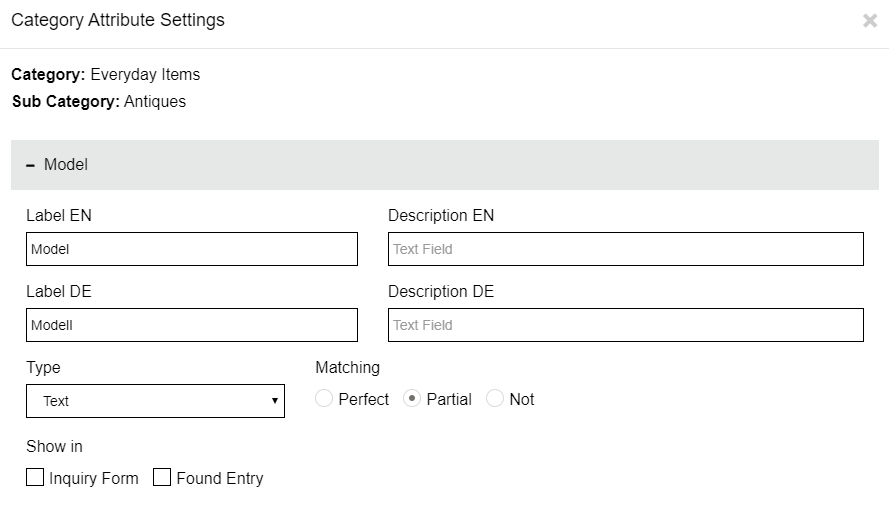
Edit Attributes
Standard Images
Good to know (updated 2026)
- Per category you set: the retention period, a default storage place, up to 8 attributes and instructions that staff see when they select the category.
- Many changes at once: export the categories to Excel, edit or translate them, and import the file again. Keep the columns of the other languages – otherwise those translations are overwritten.
- Careful with the bulk section: it overwrites the value for all categories. Use it deliberately, then adjust single categories.
- Finalise the category list before go-live – categories that already have found items cannot be deleted.
- Retention can optionally also depend on the found place or location type.
Was this answer helpful?
1 out of 1 found this helpful